Using the Sentinet Developer Portal Federated Authentication
You can authenticate with an external provider when:
- Signing Up for Developer Portal
- Logging in the Developer Portal
- Linking an external identity to your Developer Portal user account.
Every Developer Portal user makes his own decision if he or she wants to use any or all of the available Identity Providers configured with Sentinet Developer Portal. This is called “linking” Developer Portal User account with your identity in the external Identity Provider system. When a user links his Developer Portal User account, he is redirected to the Identity Provider’s login page, which ultimately creates a “link” between authenticated identity in the Identity Provider system and Sentinet Developer Portal user account.
Signing Up
A link between an external Identity Provider and a Sentinet Developer Portal user account is automatically created at the time of Sign Up, if a user selects one of available external Identity Provider during Sign Up process. To link the external identity, click on the corresponding provider name in the or login with section:
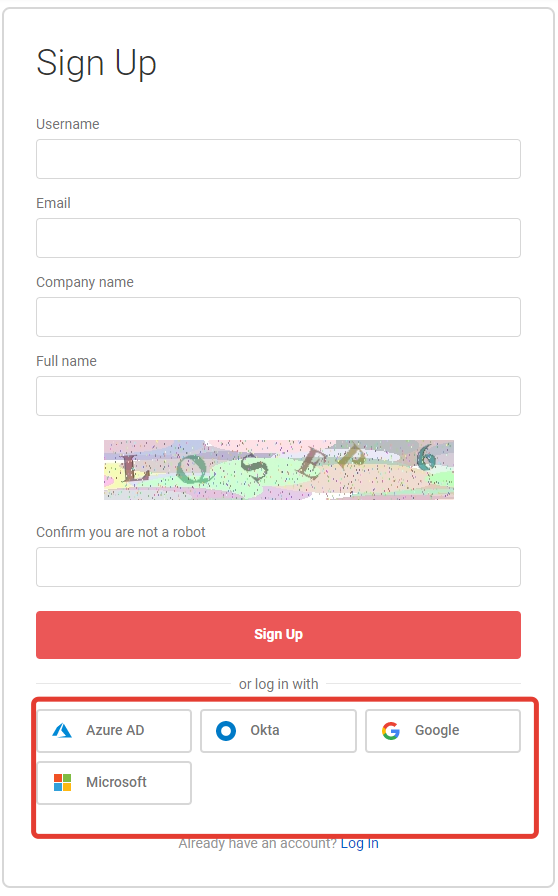
You will be redirected to the provider’s login page and prompted for credentials. Upon successful authentication you will be redirected back to the Sign Up page. The email address and name fields will be populated automatically.
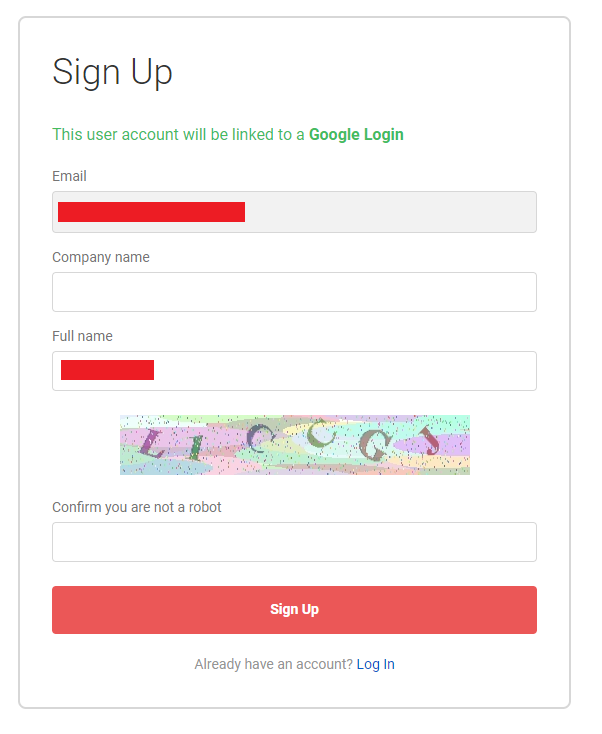
Provide all required information and click Sign Up button. Your new portal consumer account will be created and linked to the external identity. Note that you will need to activate your user account by signing in with your email address and temporary password provided in the email, which will be sent by the Sentinet Developer Portal application. After logging in with a temporary password, you will need to set a new password.
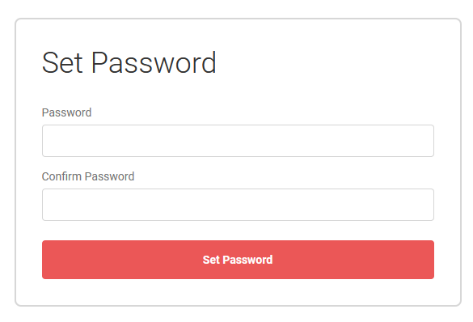
Once the account is activated you can start using the linked external identity to Log In to the portal.
Logging In
To log in to the Sentinet Developer Portal with external credentials, navigate to the login page and then click on the corresponding provider name in the or login with section:
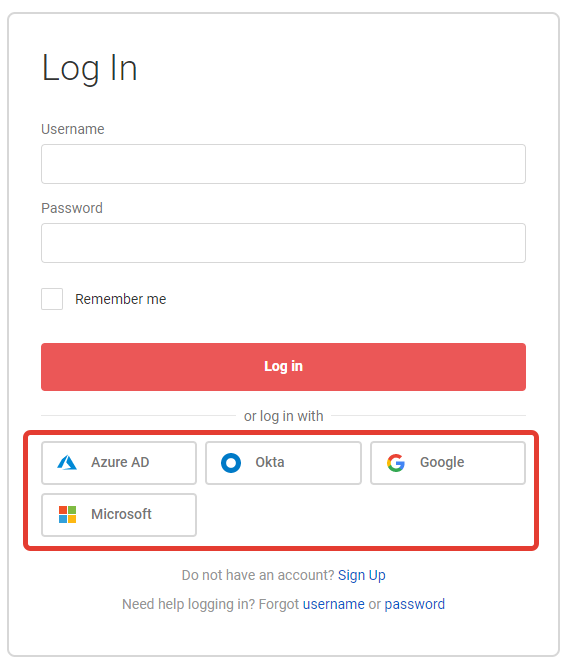
You will be redirected to the provider’s login page and prompted for credentials. Upon successful authentication you will be redirected back to the portal home page.
Linking additional external identities
To link more than one external identity, navigate to the user Profile page. Use the corresponding authentication provider’s Link button to link a new external identity to your own user account.
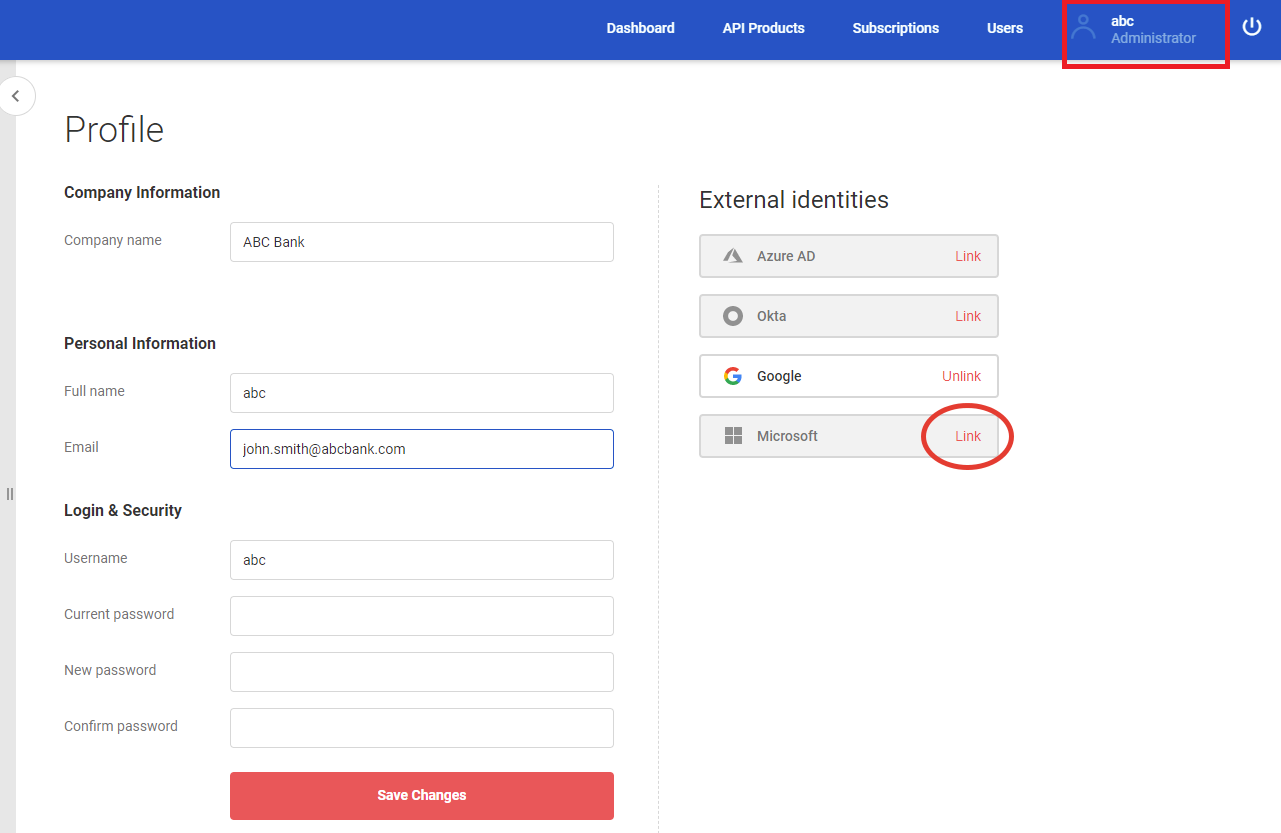
When user clicks Link button, he is redirected to the provider’s login page and prompted for credentials. Upon successful authentication he will be redirected back to the user’s profile page. The new external identity will be now linked to a user account, and it can now be used to Log In to the Sentinet Developer Portal.
Unlinking an external identity
To unlink an external identity, navigate to the user Profile page. Use the corresponding authentication provider’s Unlink button to unlink the external identity from your user account.
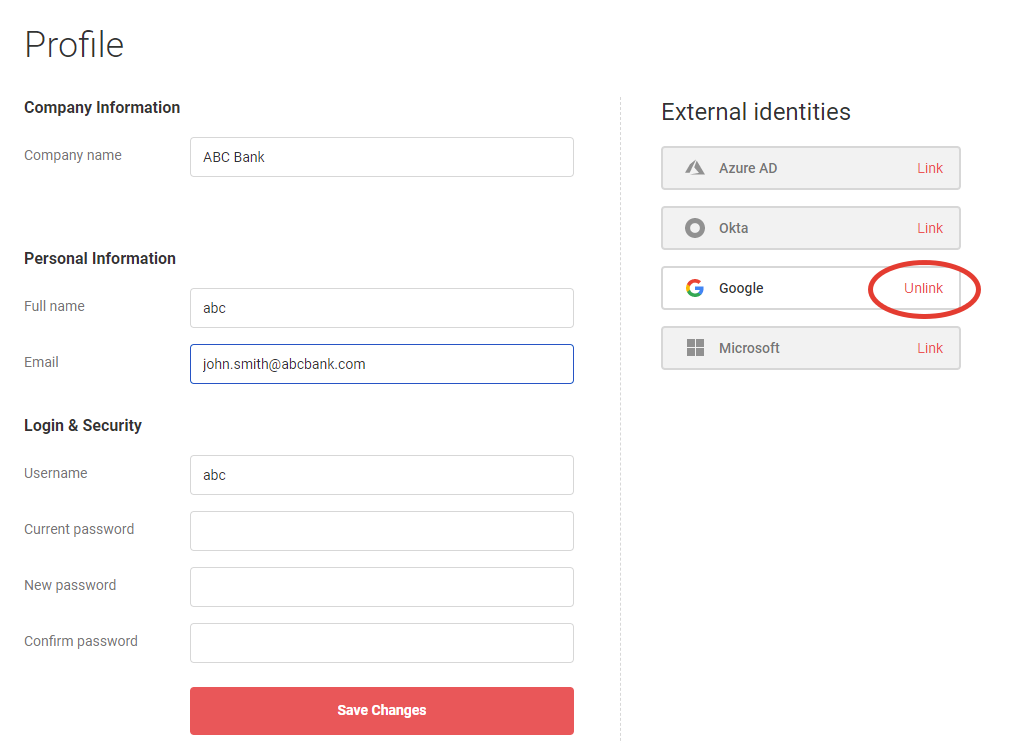
You will be prompted to confirm the unlink operation. Click Yes to confirm unlinking selected external Identity Provider, in which case provider will no longer be available to Log In to the Sentinet Developer Portal by your Developer Portal user account.