Using Virtualization Profiles
You can create any number of Virtualization Profiles.
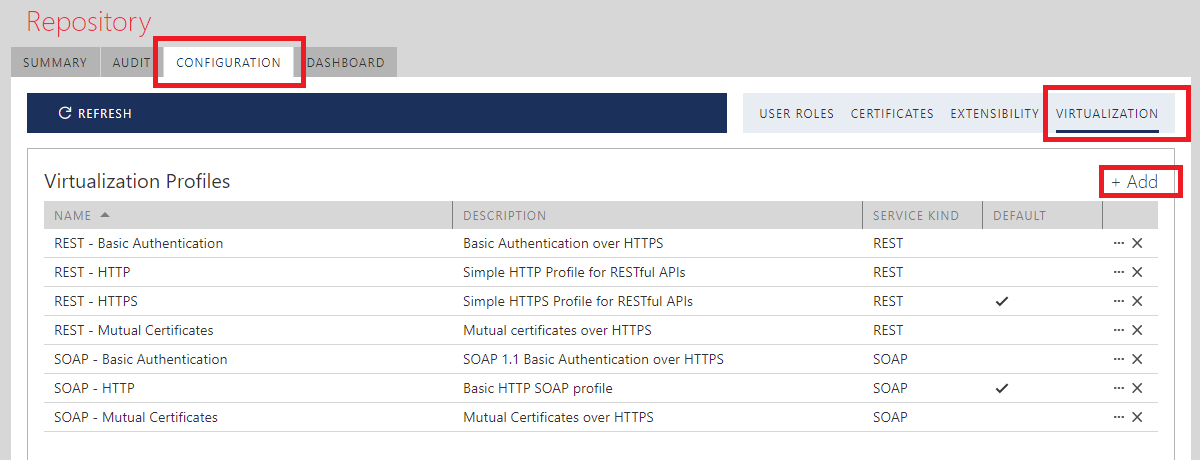
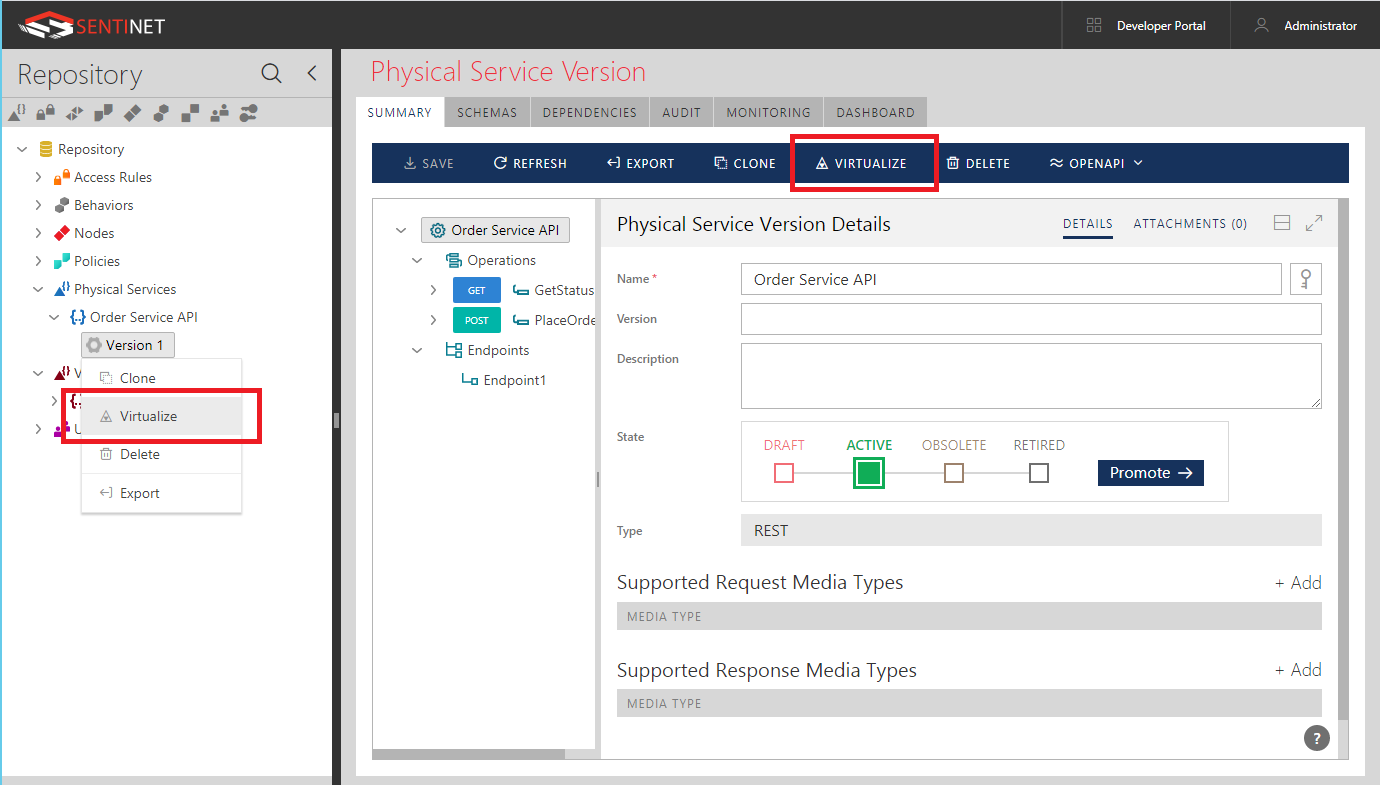
To virtualize selected physical (or virtual for double virtualization) service version, select Virtualize right-click menu option or click VIRTUALIZE toolbar menu option.
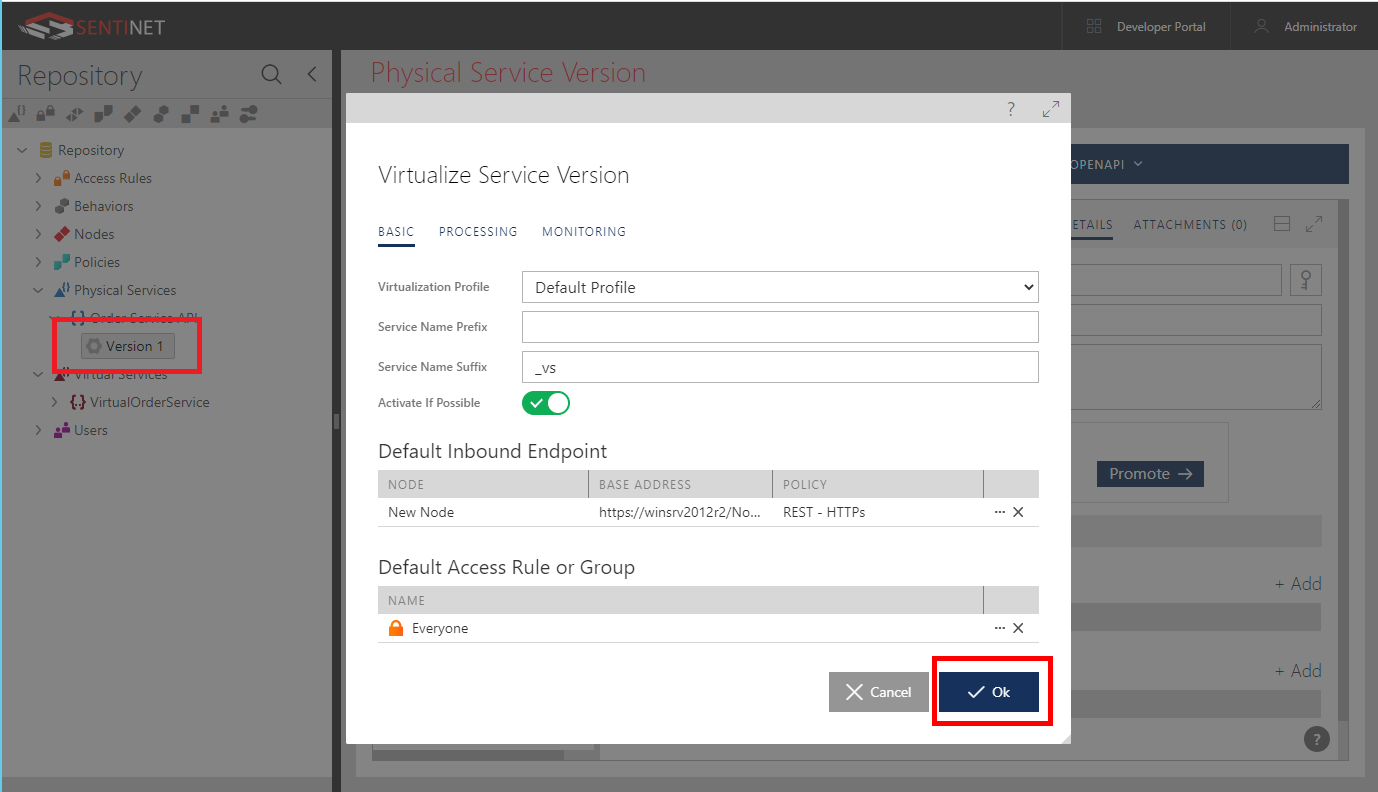
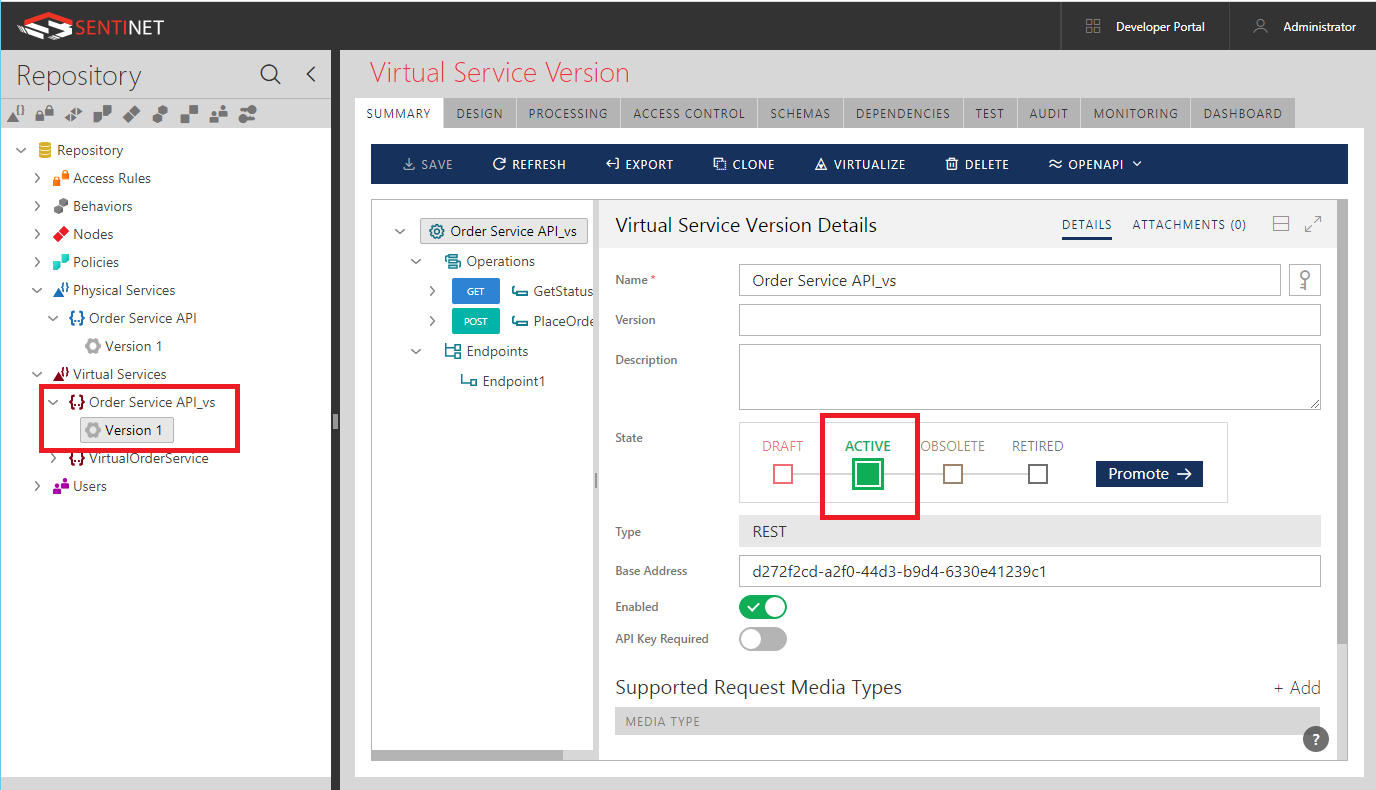
On the Virtualize Service Version dialog box, just click OK button to create a new virtual service and its service version. If Activate If Possible flag is set to on, and everything else is configured properly with the pre-selected Default Virtualization Profile, then a new virtual service version will be created in Active and fully functional state after Node’s next heartbeat. If you would like to change configuration of the virtual service before it is created, you can also do it in the Virtualize Service Version dialog box. Note, that you are not changing Virtualization Profile here, but rather how this particular virtualization will be created.