Creating Virtual Service
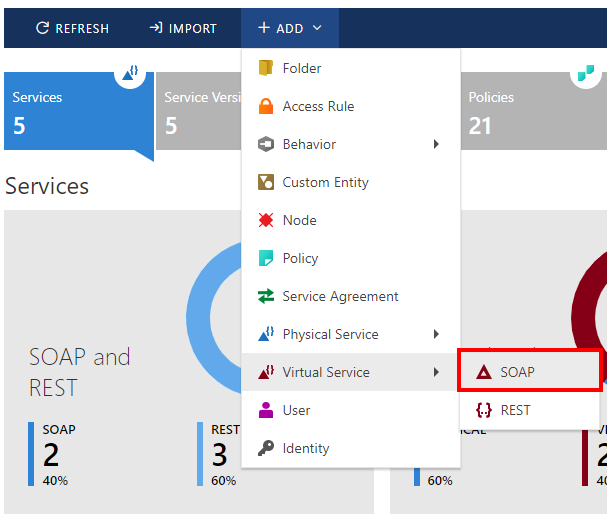
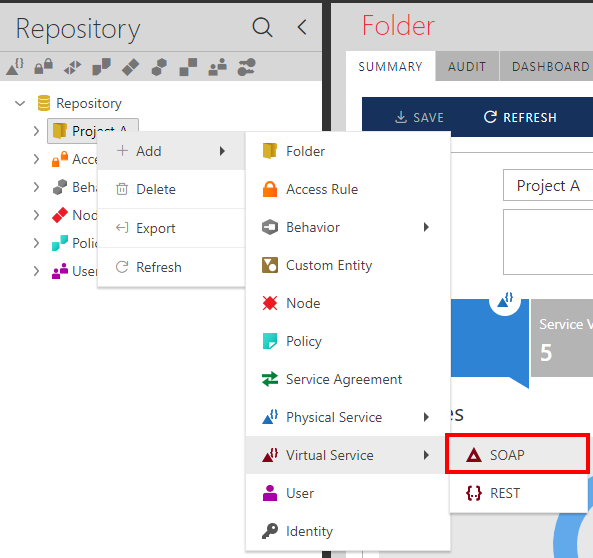
Select the Repository folder where virtual service will be registered and select the + ADD->Virtual Service->SOAP toolbar menu option (you can also right-click on selected folder item).
Provide a virtual service-friendly name and optional description. The service-friendly name must be unique within a given folder. Click the Save toolbar button to save Virtual Service. Virtual Service will be created in its first version in the Draft state.
To create a new virtual service version, click the Add->Service Version toolbar button or right-click on a selected Virtual Service and select the Add->Service Version menu option.