Context-Sensitive Help in Administrative Console
Sentinet Administrative Console provides Context-Sensitive navigation to its online documentation, which is available at https://www.nevatech.com/sentinet-resources. Repository Web Application’s web.config file provides explicit reference to the online documentation of a specific Sentinet version. For example, the location of online documentation for Sentinet version 6.4 will be defined by the value of the documentationUrl attribute as shown below:
<nevatech.vsb.repository documentationUrl="https://www.nevatech.com/docs/Sentinet/6.4">
Customers may request from Nevatech a complete copy of online documentation files and place them on their own web server, in which case the value of documentationUrl attribute above can be changed to point to their own location.
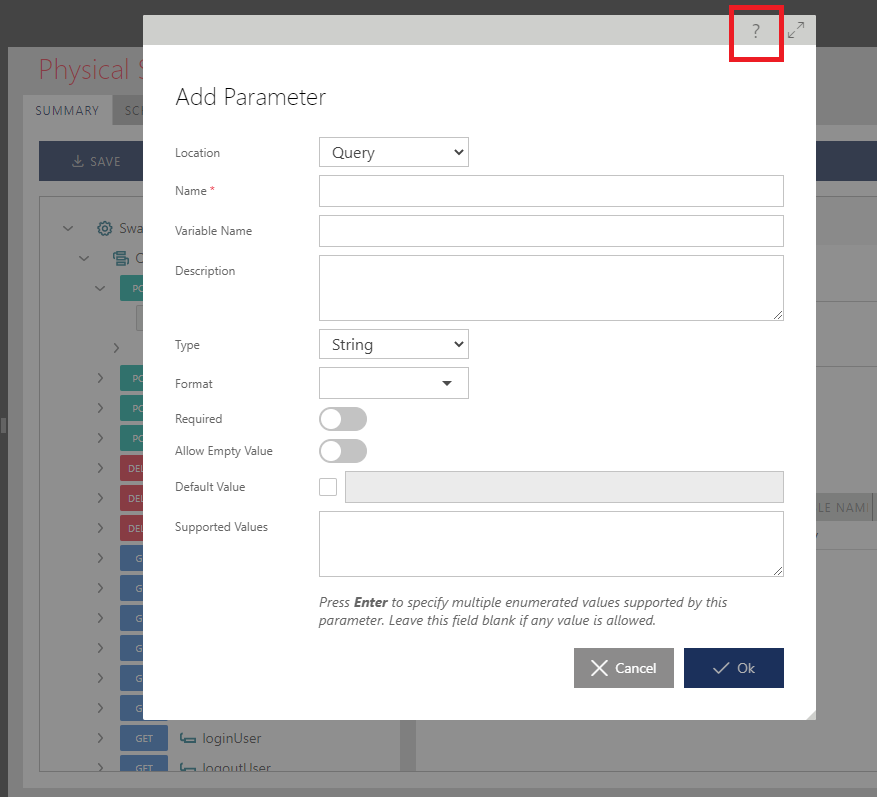
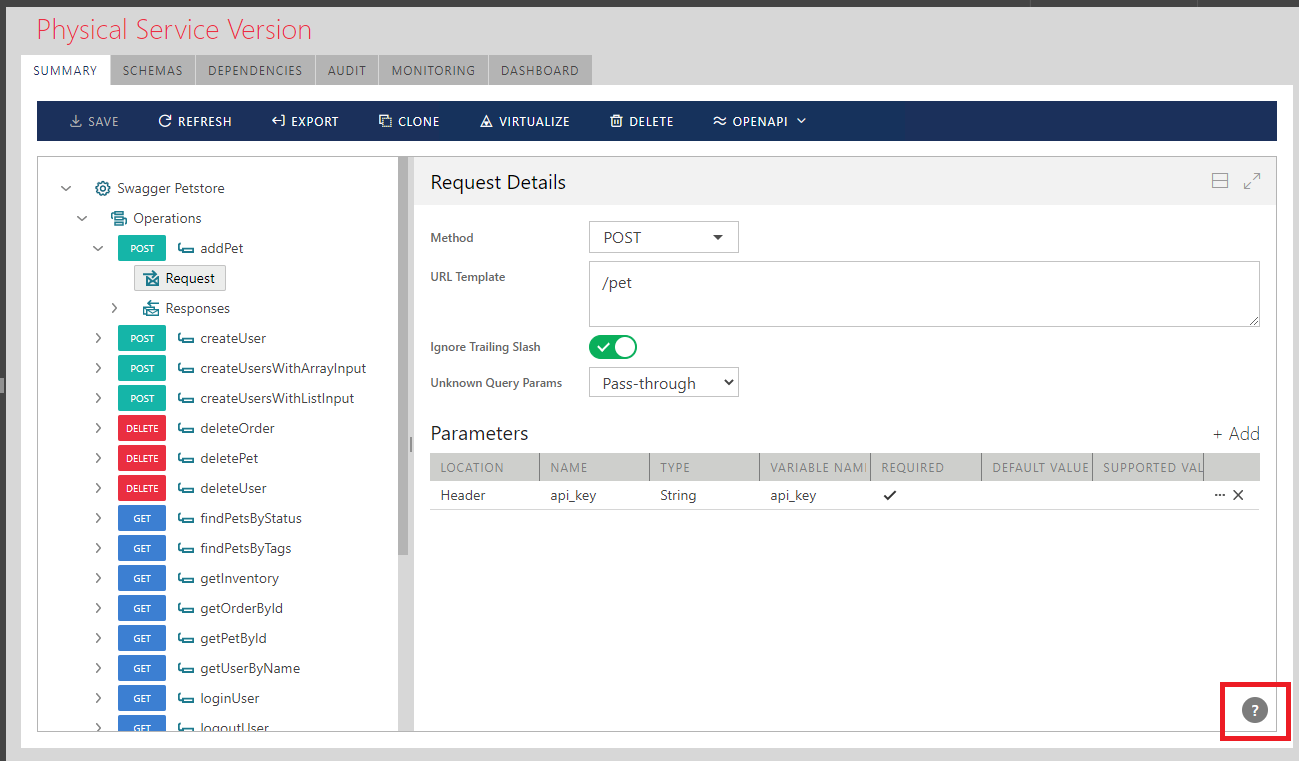
In the Sentinet Administrative Console online Help button can be found in two places:
- On all regular screens, Help button is located in the right bottom corner as shown below:
- On the dialog screens, Help button is located in the right top corner on the dialog's title bar as shown below: