Administrative Console Overview
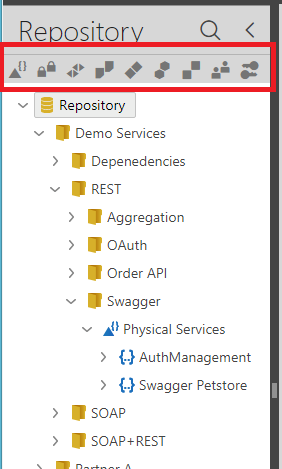
The Sentinet Administrative Console is a browser-based application that can be accessed by administrators, developers, service and API consumers, partner organizations and any other API solutions stakeholder with the right to do so. The Sentinet Repository hierarchical tree structure is typically shown in the left pane of the Console. Toolbar buttons highlighted on the Figure below allow to filter visibility of the Repository tree items by their type.
The right pane of the Administrative Console typically shows a summary view with details and information associated with an item selected in the left pane of the Repository tree structure. Selected Repository items (for example, Virtual Service version) may have additional views, controlled by the top-level tabs.
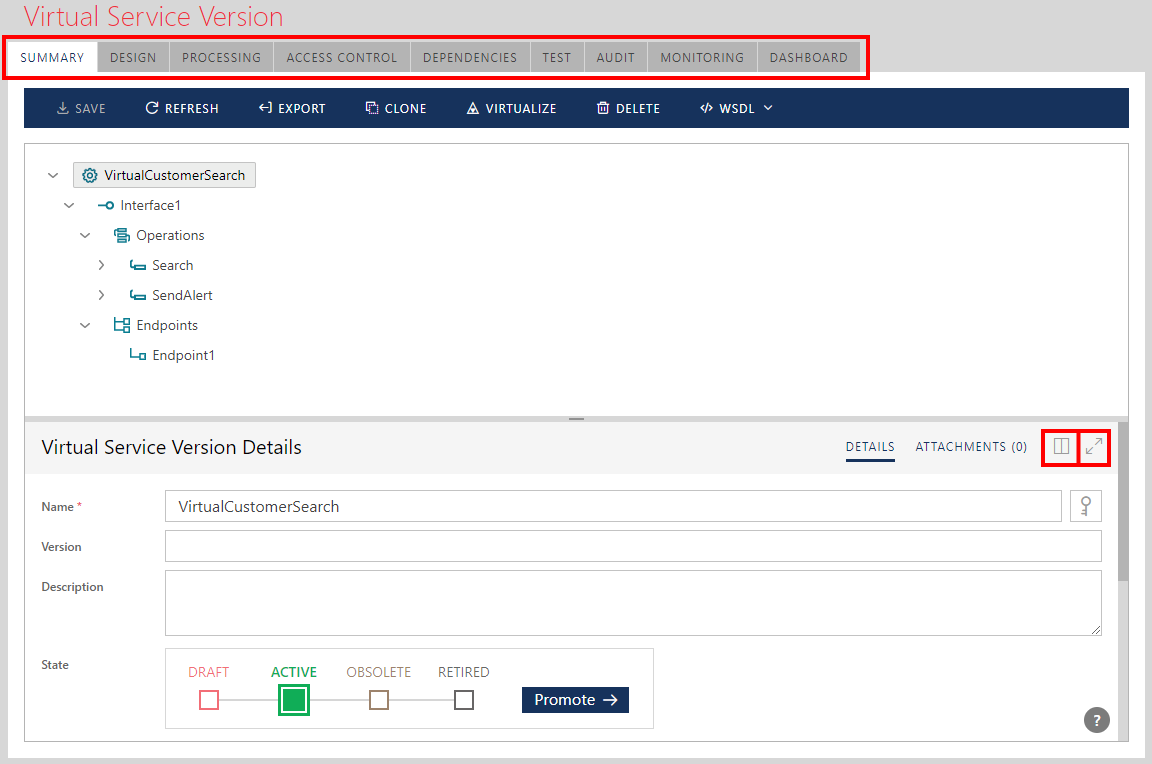
Top level tabs are different for different type of selected Repository items. Some views may have Maximize/Restore button to send particular screen or part of the screen into a maximized view state.
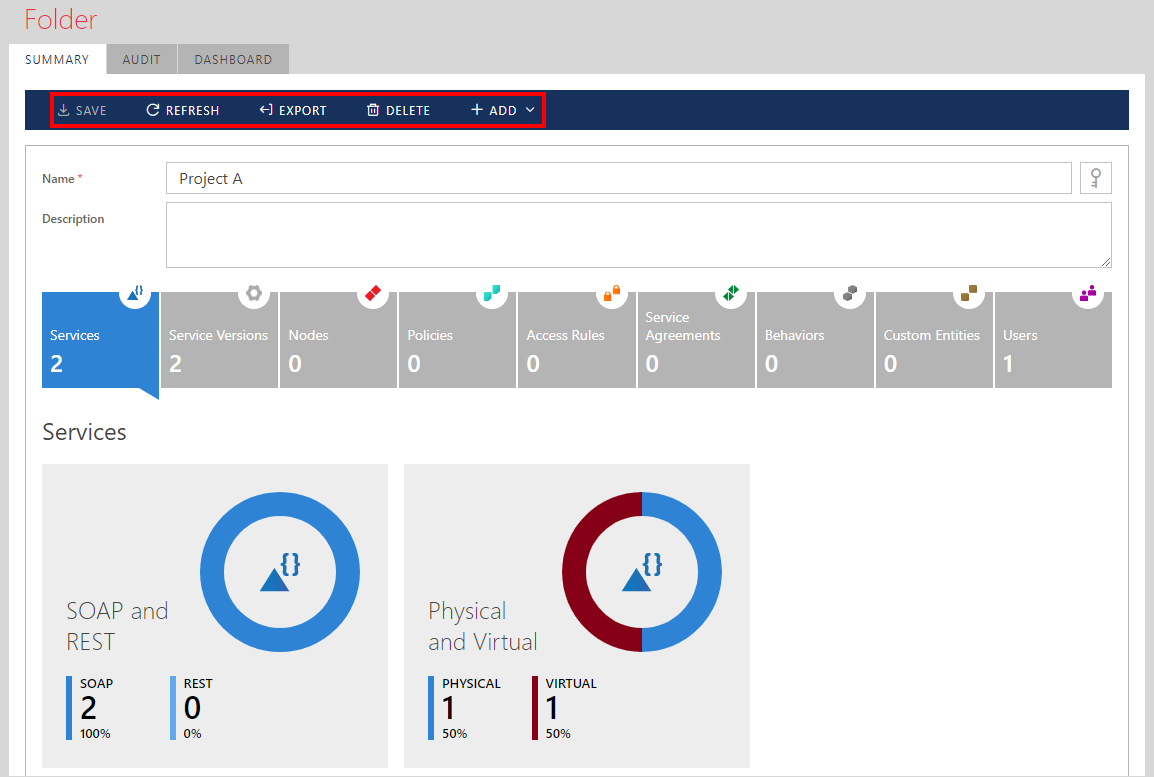
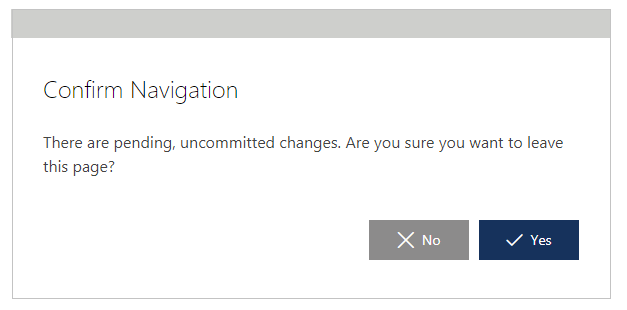
A user may change Repository item's properties and click SAVE button to save changes. If user navigates from the modified screen without saving changes, he will be asked to confirm leaving the current page.
If User clicks REFRESH toolbar button, all unsaved changes will be canceled and Sentinet Administrative Console’s screen will return to its original (before any changes) state.